Benefits of laser marking on stainless steel: permanent marks, zero consumables
Laser marking gives stainless steel permanent, high-contrast marks at production speed, without consumables and without compromising the corrosion resistance you chose stainless for.
Key advantages of laser marking on stainless steel also include:
- No ink to fade or label to peel off, even outdoors or after repeated cleaning.
- Low maintenance: fiber sources run continuously with very little servicing.
- Variable data: serial numbers, dates and Data Matrix codes change automatically on every part.
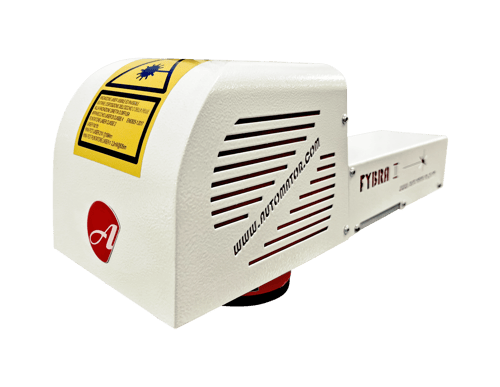
- Easy integration: the marking head connects to PLCs, robots and production lines.
A laser costs more upfront than a label printer, but with no consumables and minimal maintenance, the total cost of ownership is lower over time.
Applications of stainless steel laser marking
Industries mark stainless steel to identify parts, track them through the supply chain and meet traceability rules, from surgical tools to valves and outdoor equipment.
Demand comes mainly from sectors where parts must stay readable for life:
- Medical: UDI codes on surgical instruments that survive repeated sterilization.
- Food, beverage and pharma: hygienic, corrosion-resistant equipment.
- Automotive and aerospace: serial numbers and Data Matrix codes for traceability.
- Oil and gas, chemical, water treatment: valves, flanges and pipes exposed to chemicals and weather.
Stainless steel tags: how to keep them readable for decades
Stainless steel tags need marks that stay readable for decades outdoors, in washdowns or near chemicals, which is why most manufacturers mark them with fiber lasers.
Asset tags, nameplates, valve and flange tags, cable tags and data plates carry information people must read years later.
If you also work with aluminum or brass tags, our page on metal tag engraving compares options by material.
Typical requirements in industrial environments:
- Long-term legibility against UV, salt spray, heat and cleaning chemicals.
- No corrosion around the text, especially outdoors or in food and pharma plants.
- Readable codes: Data Matrix or QR codes linked to maintenance records.
- Variable data: a unique serial number, pressure rating or asset ID on each tag.
- Throughput: from a few tags a week to several hundred a day.
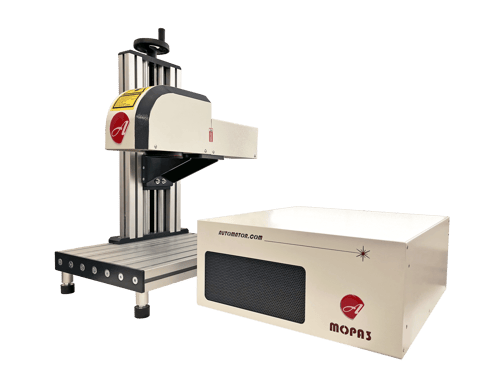
Best technology for stainless steel tags: for flat tags, a 20–30 W fiber laser covers most needs. Add a MOPA source for very dark marks, color or fine detail on small tags.
|
Tag type
|
Recommended approach
|
|
Outdoor and marine tags
|
Annealing with fiber or MOPA laser
|
|
Valve and flange tags
|
Engraving, or deep annealing with MOPA
|
|
Food, pharma and medical equipment tags
|
Annealing, no material removal
|
|
Asset tags with Data Matrix or QR codes
|
MOPA black marking, checked by a vision system
|
|
Tags painted or galvanized afterwards
|
Deep engraving or dot peen marking
|
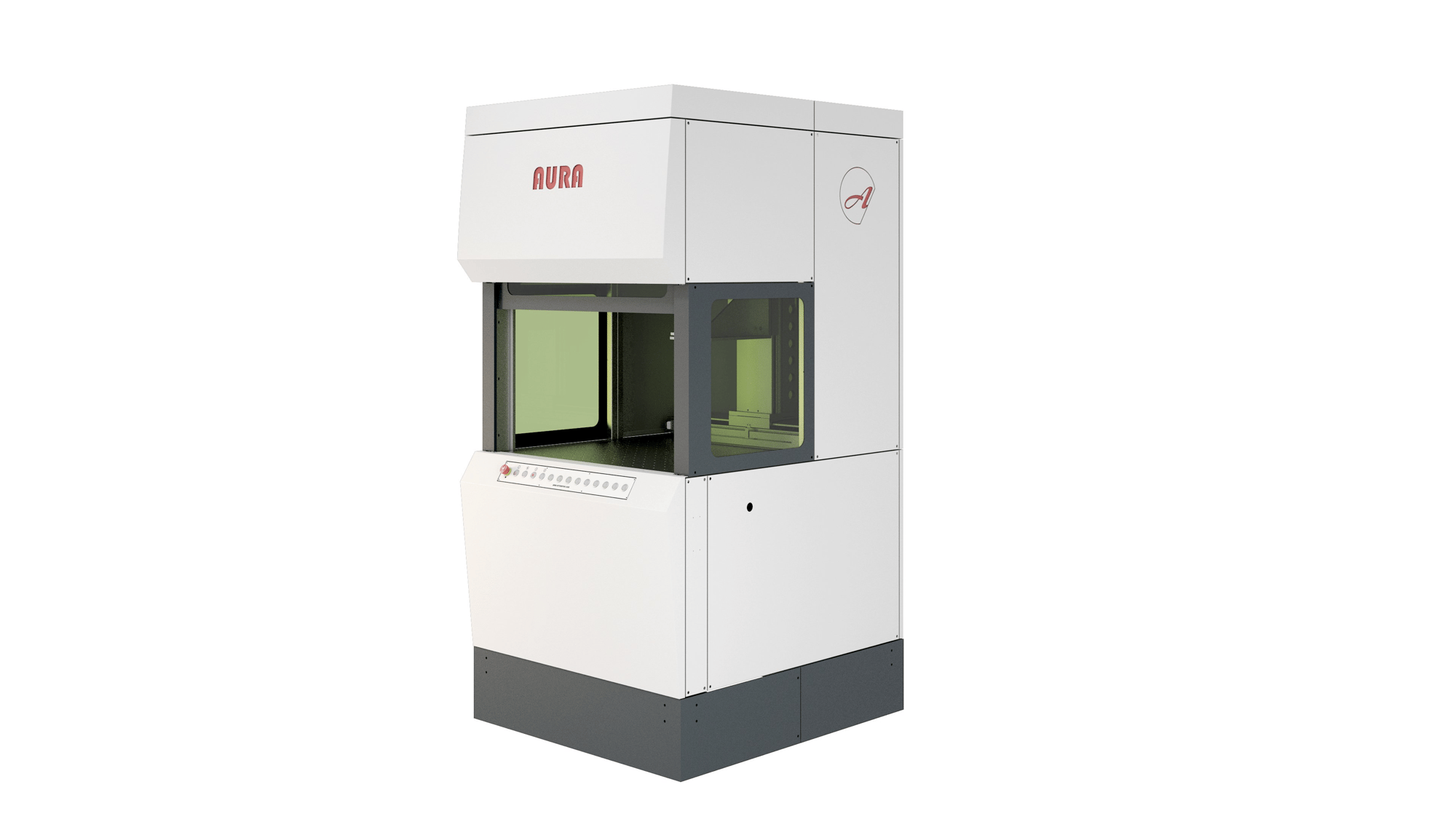
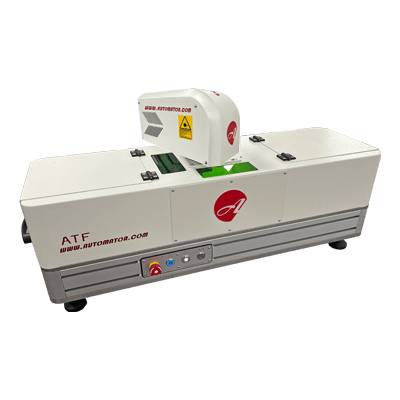
For low volumes, an operator loads tags into a Class 1 workstation. For production runs, our ATF automatic tag feeder handles tags from 20×30 mm to 140×140 mm and holds up to 300 tags in its magazine, so the laser keeps marking while your operator does something else.
How to choose the right laser marking machine for stainless steel
Start from your parts: size, shape, daily volumes, required mark type and safety needs. Laser source and power follow from there.
Fiber, MOPA or UV Laser: what is the difference?
Fiber lasers handle most stainless steel jobs; MOPA lasers add pulse control for black and color marking; UV and green lasers mainly serve plastics and heat-sensitive materials.
Below is an overview of the main laser sources used for stainless steel marking and the aspects to evaluate:
|
Source
|
Best for on stainless steel
|
Points to consider
|
|
Fiber (1064 nm)
|
Annealing, engraving, tags, serial numbers
|
The most versatile choice for metals
|
|
MOPA fiber
|
Deep black, color, fine detail
|
Adjustable pulse duration gives more control
|
|
Green / UV
|
Very fine marks, minimal heat
|
Mostly used for plastics and glass
|
|
CO2
|
Not recommended
|
Needs a marking spray on bare metal
|
If stainless is one of several metals on your line, a laser marking machine for metal with different parameter sets keeps things simple.
Which manufacturers make stainless steel laser markers, and how they differ
Several manufacturers, from global laser groups to specialized marking companies, produce industrial laser markers for stainless steel. Their offers differ mostly on:
- Range of technologies: lasers only, or also metal engraving machines such as dot peen and scribe, useful when a laser is not the best answer.
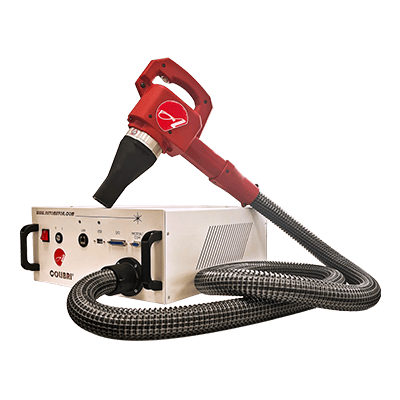
- Safety: open Class 4 sources for integration versus Class 1 enclosed or portable systems.
- Integration and throughput: controllable axes, PLC and robot links, tag feeders, vision systems.
- Local support: how fast a technician can help when production is at stake.